
Health & Wellness Benefits
An overview of our health and wellness program offerings, including the Employee Assistance Program and Red, Blue and Well.

We Want to Help Support Your Physical and Mental Health
University faculty and staff have access to several programs that are meant to help prioritize their well-being.
These programs include:
UMMC 2 You (Telehealth Services)
UMMC 2 You video visits let you see and talk with a UMMC provider on your smartphone, tablet, or computer. Sign up and schedule an appointment at: ummc2you.com
Employee Assistance Program (EAP)
The University EAP provides on- and off-campus resources to support employees. These services offer confidential assistance for a broad range of concerns, including family, marital, work-life, and mental health challenges.
Red, Blue and Well
The University’s employee wellness program offers a range of services, resources, and programs to support your preventative health, physical health, mental health, and social wellness.
Career-Life Connector Initiative
The Office of the Provost created the Career-Life Connector Initiative to help faculty and staff learn about policies and resources available on campus. This initiative makes it easier to navigate the University system and find the support you need.
Career-Life Connector Initiative
Employee Resource Groups (ERG)
ERGs are employee-led groups based on shared identities or roles. They help build support networks, offer personal and professional growth opportunities, and foster a sense of community.
Quick Links
Employee Health Services (EHS)
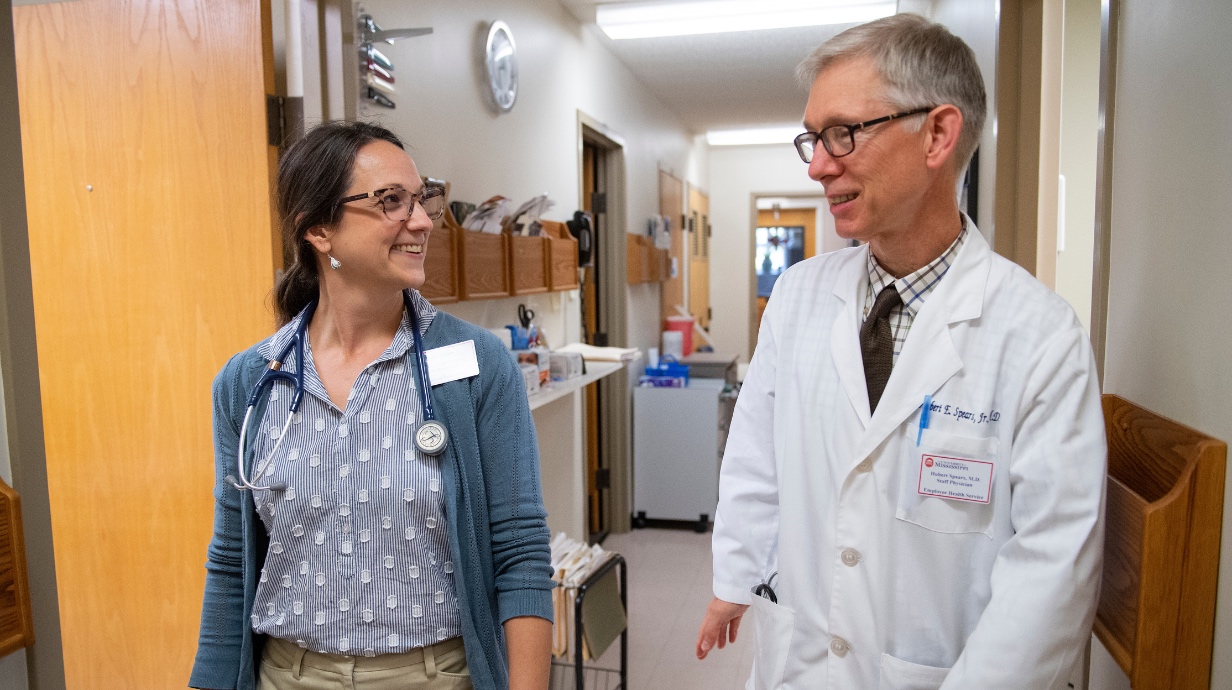
EHS provides care for acute medical problems, physicals, wellness exams, immunizations, and more.
Who Can Receive Care at Employee Health Service?
Employees who are paid by the University and receive benefits are eligible for services.
When calling for an appointment, please have your:
- UM employee number
- State health insurance number (insurance card needs to be brought to EHS at your first visit)
Please note that in addition to UMMC 2 You telehealth services, Dr. Spears and Dr. Turner are also available for telehealth appointments through Employee Health Services.
Contact Human Resources
Whether you have a question or need assistance, the Department of Human Resources is here to help. Explore resources available in Workday, including Help Articles & Workday Assistant.
Need Further Support?
Submit a case directly in Workday. Select Menu in the top-left corner of Workday > Choose Help from the Personal section > Select Create Case.
You can also reach out to your Human Resources Business Partner (HRBP), who is here to support you across key areas, including Workday, Recruiting, and People Relations.