
Elevating Your Student Experience
Big changes are coming in 2026 to make your Ole Miss experience easier, faster, and more connected.
What’s Changing
(and Why It Matters)
We’ve transitioned the systems behind the scenes to make your day-to-day student life smoother. Two new platforms, Banner and Workday, have replaced a collection of custom and third-party programs (including myOleMiss).
Access resources and tools for your academic life through Experience (powered by Banner). As of the Fall 2026 term, Experience is the new academic portal.
Think fewer logins, fewer steps, and everything you need in one place. Plus, the new systems are mobile-friendly! These upgrades are part of Encompass, a campus-wide effort to make technology work for you.
A Look at the New Systems
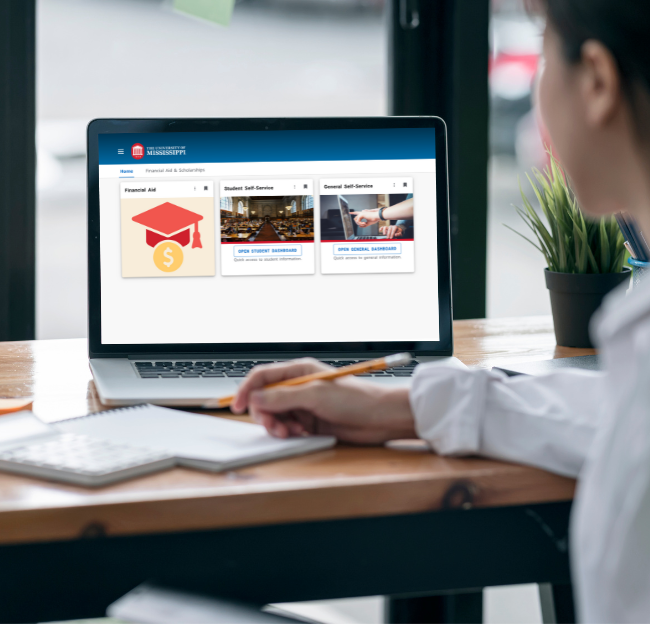
Experience: Your New Academic Portal
The new academic portal, Experience, is live! This is now your home base for nearly everything you do as a student.
As we optimize the Banner Student Information System, more tools and helpful cards will become available in Experience to support your classes, campus life, and beyond.
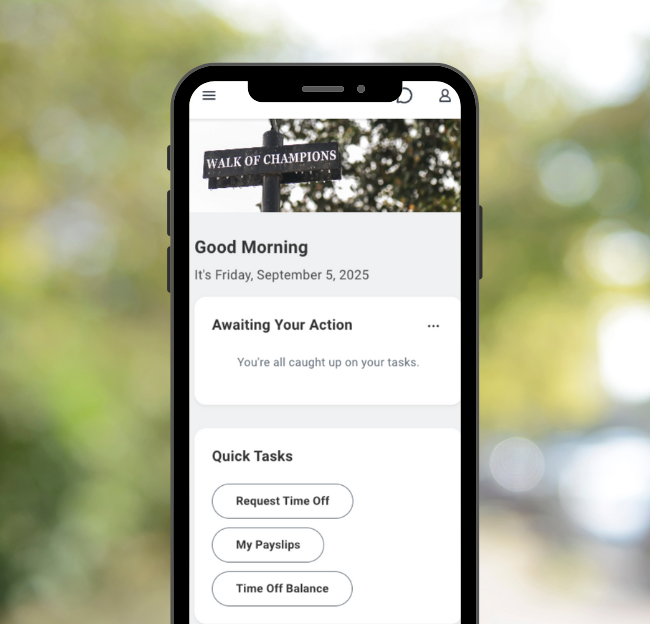
A New Hub for Student Jobs
If you work on campus (or want to), Workday is where you’ll find available student jobs.
In Workday, you can search and apply for jobs in one place, move through a more streamlined hiring process, and experience a more intentional onboarding process.
To search for student jobs, log in to Workday using your university login. In the Workday search bar, type Find Student Jobs and select the task to browse open positions and apply directly in Workday.
Available Resources
About the Banner Student Information System
- Priority Registration Begins Nov. 2. Are You Ready? | October 2026
- Your Go-To Guide for Fall 2026 | August 2026
- Upcoming Changes to Student Billing | July 2026
- Priority Registration Tips 4/14 | April 2026
- Registration Starts Tomorrow: Time Tickets, PINs & More | April 2026
- Final Steps for Priority Registration | April 2026
- Get Ready for Fall 2026 Priority Registration | April 2026
- What to Expect for Fall 2026 Priority Registration | March 2026
- Welcome to Experience | March 2026
- Experience is Coming | February 2026
- Introducing Banner and Workday | December 2025
About Workday (for HR & Payroll)
Need Additional Support?
Submit a case directly in Workday. Hover over Personal (in the left-side menu) > Select Help > Select Create Case.
Need Additional Support?
If these FAQs don’t fully meet your needs, help is available. Please contact the IT Helpdesk for support. You can also reach out to Encompass with general questions.